Dojo Workspace — One Place for the Work You Do With AI
Talk naturally, build software, write, research, and create images, video, and voice with one or two coordinated AI teammates—without giving up your judgment or your craft.
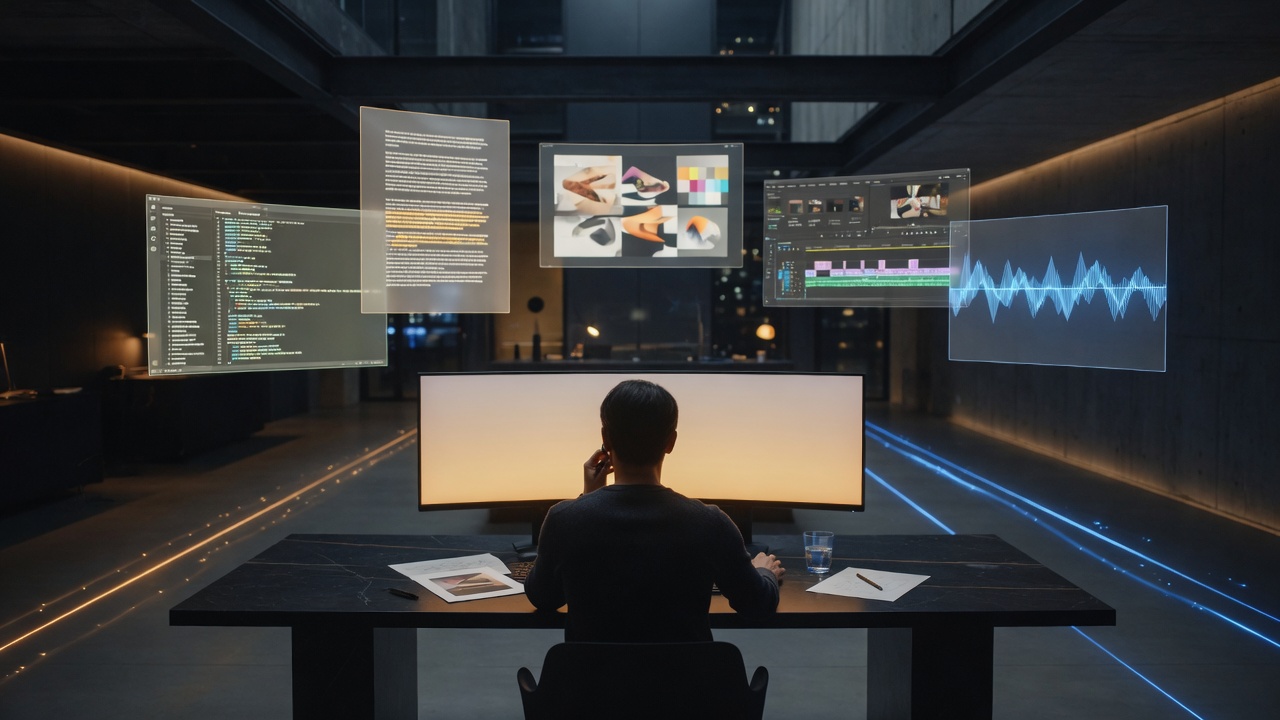
Most AI products begin with a blank box and a quiet demand: type the perfect prompt. Dojo Workspace begins somewhere more human. You can talk. Explain what you are trying to build, show the files, point at the broken part, change your mind halfway through, and keep moving. The conversation is not separate from the work; it is how the work gets done.
Dojo is a voice-first workspace for software engineering, writing, research, image creation, video, audio, and the long chain of practical steps between an idea and a finished result. It does not ask you to stitch together a dozen unrelated AI tabs and then become the unpaid project manager of their outputs. One workspace holds the context, the tools, the artifacts, and the decisions.
AI that develops talent instead of eliminating it
The most important thing about Dojo is not how many tools it can call. It is the relationship it is designed to create. Dojo is a sensei when you are learning, a senior teammate when you need judgment, and a pair of hands when the task is clear and you simply want it done.
That means it explains the reasoning that matters, challenges decisions that could hurt the project, and still respects the fact that you are the owner. It can investigate a bug, make the fix, run the tests, and show what changed. It can also slow down and teach the architecture, compare alternatives, or help someone cross the gap from “I understand this” to “I can build this.”
Good automation should make people more capable. It should remove repetition without removing agency, and accelerate judgment without pretending judgment is unnecessary. Dojo is built around that line.
One workspace, many kinds of work
A real project rarely stays inside one medium. A product launch begins as a strategy, becomes code, needs interface copy, requires visuals, turns into a demonstration video, and ends with documentation and support material. Traditional AI tools treat those as unrelated sessions. Dojo treats them as one piece of work.
For software, Dojo can read a codebase, trace behavior across files, implement changes, run type checking and tests, inspect logs, work with Git, and prepare pull requests. It keeps exact paths and code on the screen while the spoken track explains the idea in ordinary language.
For creative work, it can generate and edit images, animate stills, create or extend video, synthesize speech, process local media, and assemble those assets into a larger deliverable. For research and publishing, it can search current sources, draft structured articles, upload media, preview the final rendering, and preserve the distinction between human authorship and AI assistance.
The point is not that every task uses every capability. The point is that the workspace does not collapse when the task changes shape.
Solo when focus wins, Duo when perspective matters
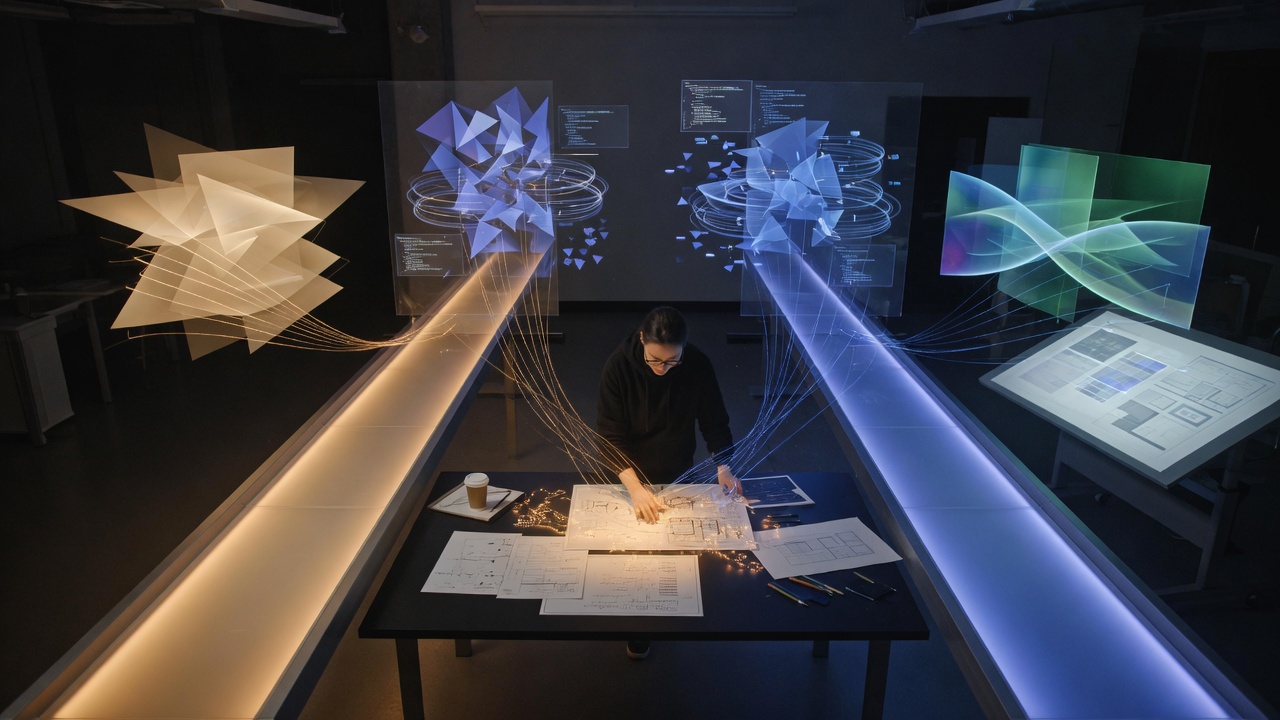
Dojo Solo is the focused mode: one human, one AI teammate, one coherent thread. It is ideal for deep implementation, debugging, teaching, writing, and any task where a single mind should hold the context from beginning to end.
Dojo Duo adds a second independent lane. The two sides can split genuinely separate work, review each other, test competing explanations, or bring different models to the same decision. Duo is not two chat windows talking over one another. One lane owns the result; the other challenges, verifies, or carries a clearly separated part of the work.
That distinction matters. More agents are not automatically better. When a fix requires one continuous understanding, Dojo keeps it in one head. When independence creates useful evidence—reviewing a risky change, comparing approaches, or running parallel investigations—Duo earns its place.
Voice is not decoration
Voice changes the rhythm of using AI. You can describe a bug while looking at the screen, talk through an idea without translating it into command syntax, and hear short progress updates while the work is happening. The screen becomes the whiteboard for code, diffs, diagrams, tables, media, and links; the voice carries the explanation.
That makes Dojo useful for more than convenience. It lowers the cost of staying engaged. Instead of firing off a prompt and returning later to inspect a pile of output, you can follow the reasoning in small steps, redirect early, and learn from the process without stopping the process.
Tools that act, with boundaries that matter
Dojo can work directly with local files, development servers, browsers, media engines, repositories, and connected services. That ability is useful only when paired with restraint. Reversible local work should move quickly. Actions that can destroy data, expose credentials, rewrite shared history, publish publicly, or change remote systems require explicit confirmation.
The same philosophy applies to collaboration. Dojo should not claim credit for words a person supplied, delete content because storage is cheap, or quietly replace a human decision with an automated one. The system is designed to keep ownership visible: who wrote, who reviewed, who published, and what changed.
From knowing to doing
AI is often impressive in the first thirty seconds and disappointing in the final thirty percent. It can suggest a solution, but the user still has to wire it in, resolve the error, find the asset, upload the file, verify the output, and ship the result.
Dojo Workspace is built for that final distance. It is not only a place to ask what could be done. It is a place to do the work, check the work, and understand the work well enough to own it afterward.
One workspace. One focused teammate when that is enough. Two coordinated lanes when independence helps. Code, words, images, video, and voice when the project calls for them. The goal is not to replace the person at the center. The goal is to make that person harder to stop.